
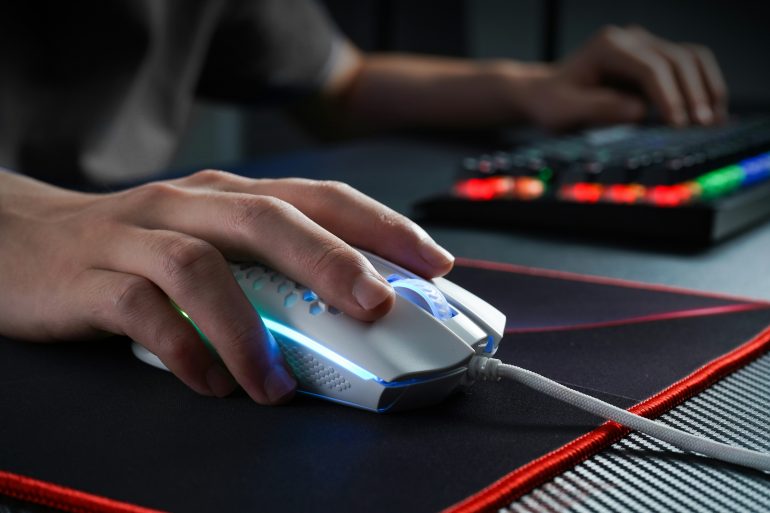
A mouse pad might seem like a small accessory, but it plays an important role in your overall computer experience. The right mouse pad helps with precision, speed, comfort, and even ergonomics — whether you’re gaming, designing, or working long hours. Here’s how to pick one that’s right for you.
1. Surface Material — Speed vs Control
The surface material determines how your mouse sensor tracks movement and how much friction you feel:
-
Cloth / Fabric – Offers a comfortable feel and better control. Great for most users, designers, and gamers who need accuracy.
-
Smooth Polyester Cloth (Speed) – Lower friction for quick glides — ideal for FPS gaming and fast cursor movements.
-
Hard Plastic / Resin – Very smooth and fast surface, but sometimes noisier and less cushioned.
-
Glass or Metal – Ultra-smooth but pricier; less common.
Tip: Gamers often prefer faster surfaces for quick flicks, while creatives and office users like textured surfaces for stability.
2. Size and Desk Fit
Mouse pads come in a range of sizes:
-
Small / Standard (≈250×210 mm) – Portable and ideal for limited desk space.
-
Medium / Extended – More room for broader mouse movements and arm sweeps.
-
Large / Desk Mats – Wide coverage that can fit both your keyboard and mouse, giving a cohesive workspace feel.
How to choose:
Measure your desk and assess how much space you use when navigating your screen. Low-sensitivity gamers or artists often benefit from larger surfaces.
3. Thickness and Comfort
Mouse pads range from ultra-thin (≈1–3 mm) to thick and cushioned:
-
Thin (1–3 mm) – Sits close to the desk, feels firm, and is easy to transport.
-
Medium (3–5 mm) – Balanced comfort and responsiveness.
-
Thick (>5 mm) – More padding and wrist support for long sessions.
If you face wrist strain or use your mouse for many hours, consider a thicker pad for added comfort.
4. Base Grip & Stability
A good mouse pad should stay put:
-
Rubber non-slip bases are most common and effective for preventing movement.
-
Avoid pads with weak or adhesive bases, as these can lose grip over time.
5. Stitching and Durability
Look for stitched or reinforced edges to prevent fraying — this significantly extends a pad’s lifespan.
6. Aesthetics & Customization
If looks matter — whether for your personal setup or as a gift — custom designs are a great choice. Custom pads can feature artwork, branding, or photos. If you’re after something more personalized and visually striking, KNM Mouse Pads offers custom and themed mouse pads — especially catering to anime fans and gamers. With HD custom prints, vibrant colors, and a smooth tracking surface suitable for both gaming and everyday use. You can upload your favorite artwork — from personal photos to themed graphics — and have it printed edge-to-edge on a high-quality surface.
Why they’re worth considering:
-
Custom artwork tailored to your style (anime scenes, originals, logos).
-
Smooth tracking fabric that balances control and glide.
-
Vibrant, fade-resistant colors that stay sharp even with frequent use.
-
Non-slip base to keep the pad stable during quick movements.
Final Tips Before You Buy
- Match the mouse pad size to your desk and usage style.
- Prioritize surface texture based on whether you want control or speed.
- Ensure the base grips well and edges are reinforced.
- If customization matters — go for a print quality and design you love!